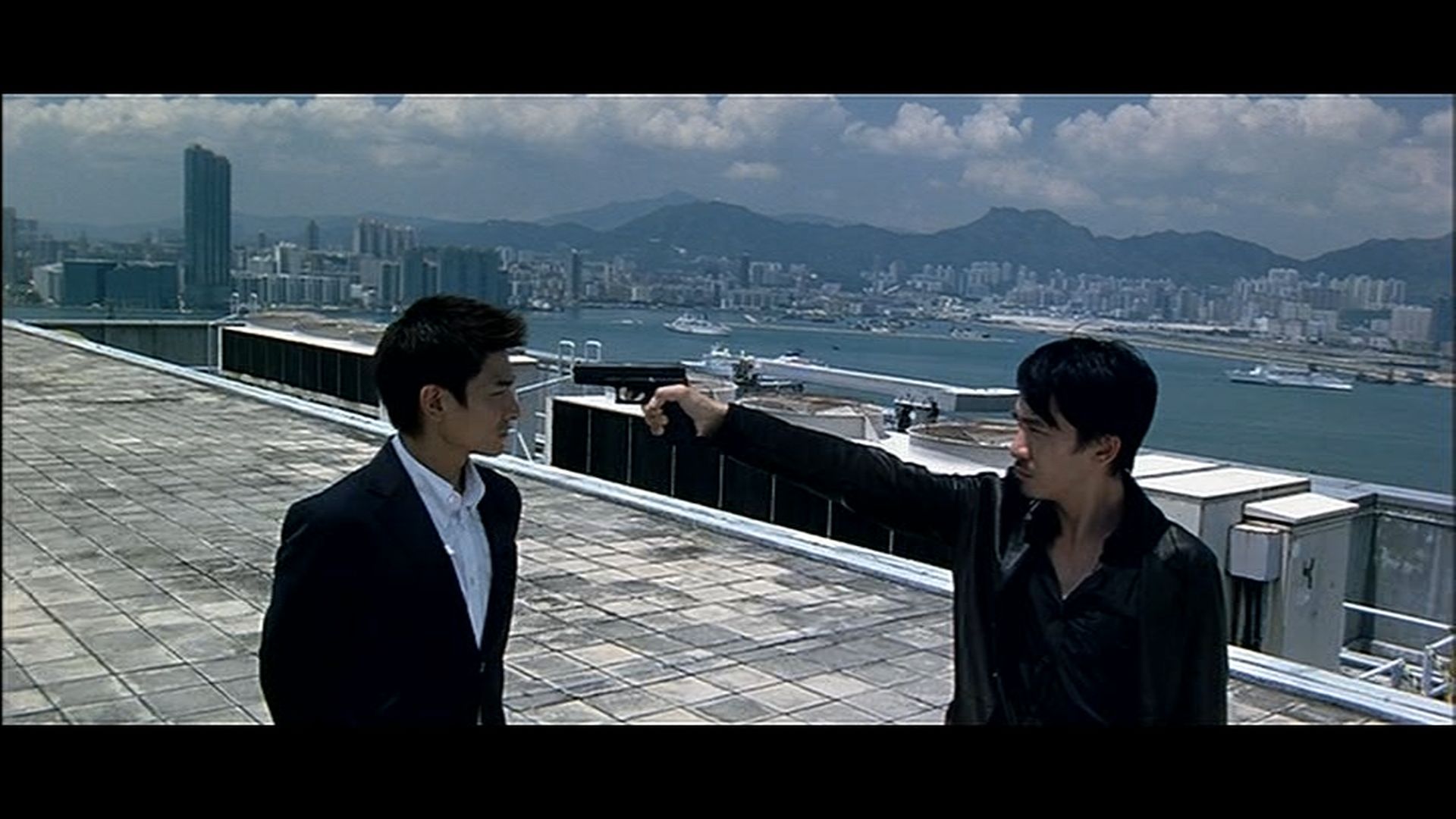
Infernal Affairs: Megastar Blu-Ray vs R2UK Tartan
Posted: 07 May 2008, 20:34
Note1: Yes, I know this comparison has already been made. But hey, one more can't hurt.
Note2: The Blu-Ray has a slight audio sync issue (at least mine does). The sound is late by about 0.05 seconds.
If you're not sensitive to this type of issue, you won't even notice it.
But if you are, it will drive you nuts (unless you have a way to fix it).
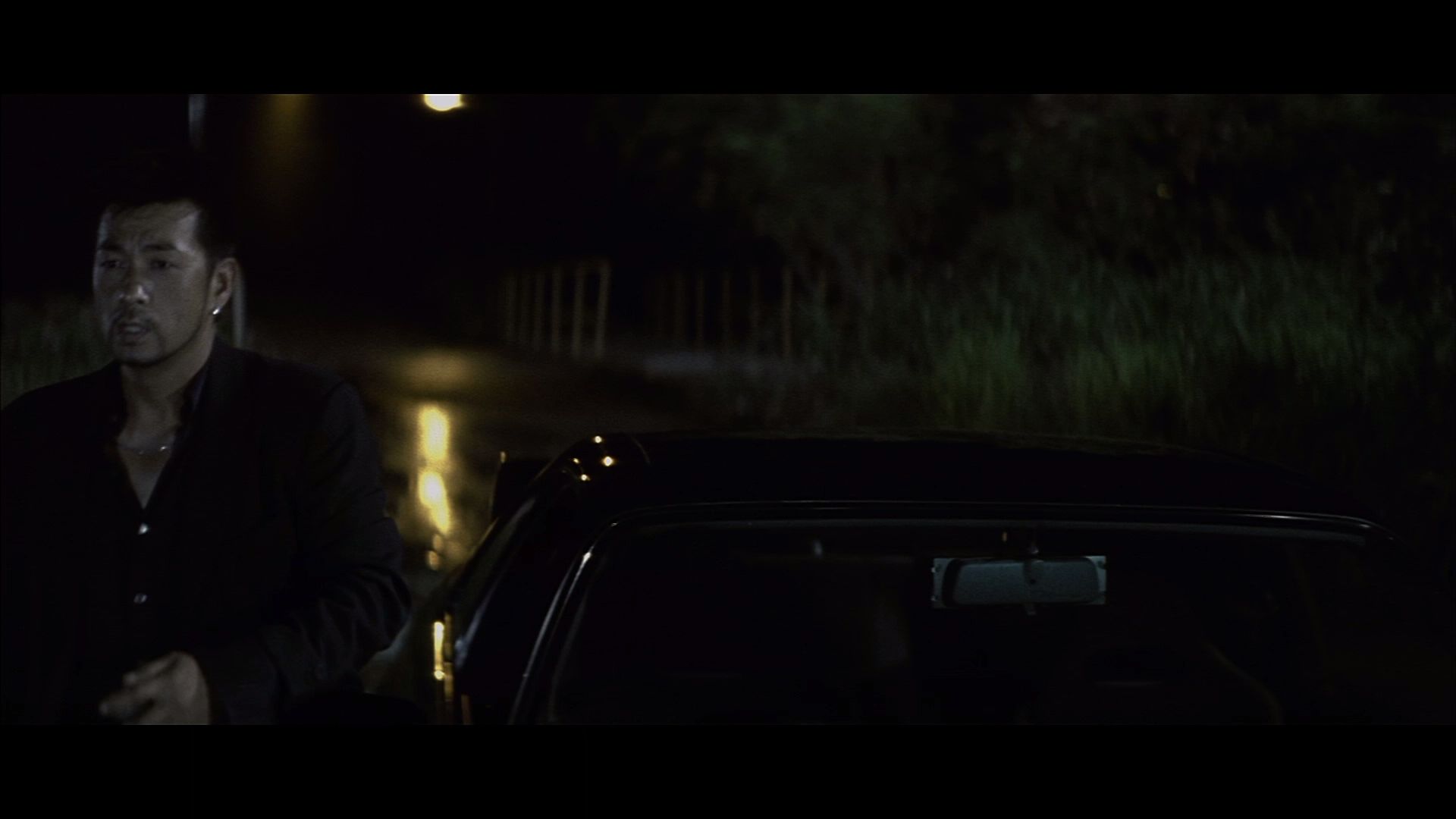
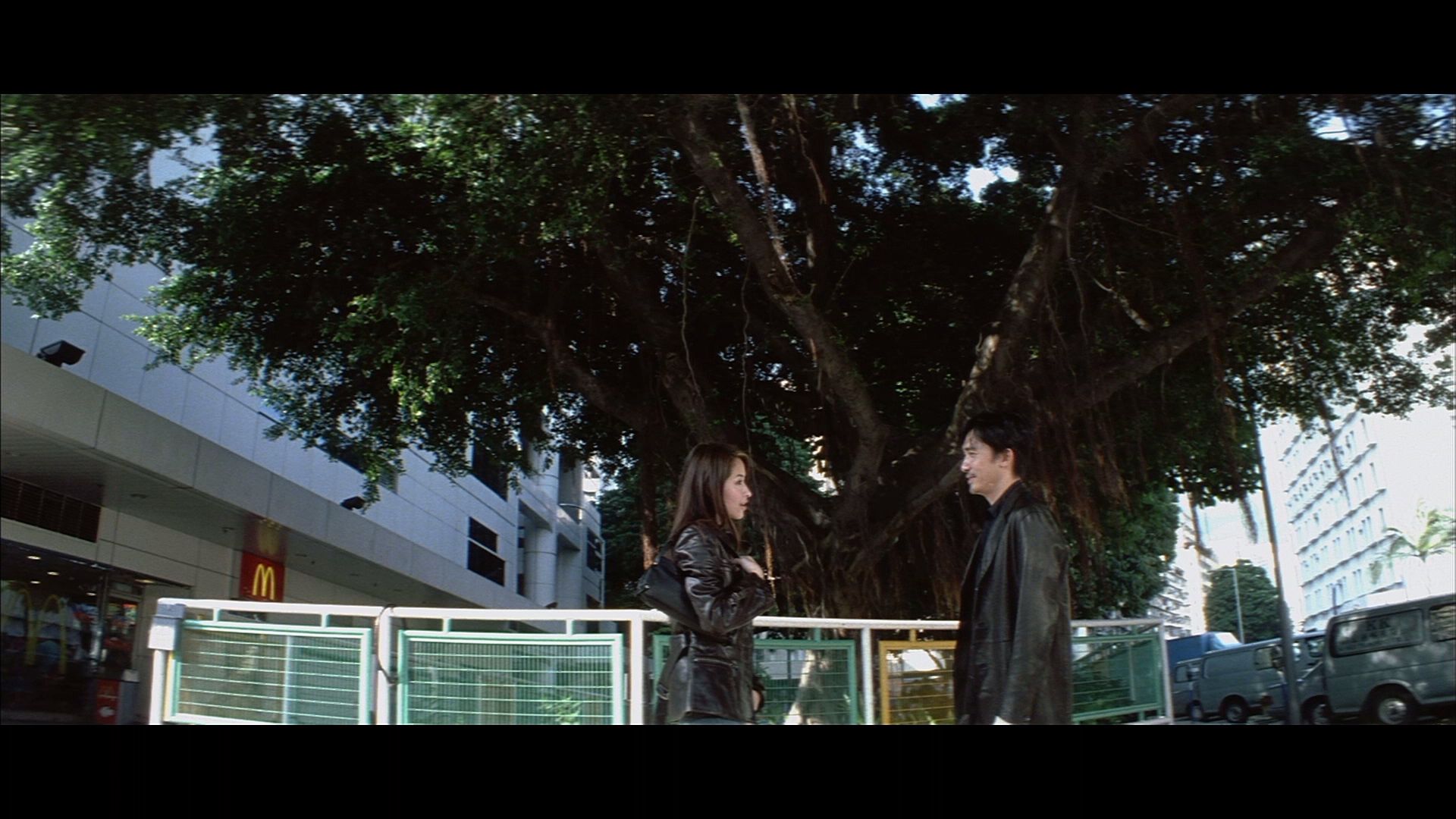
Blu-Ray top.
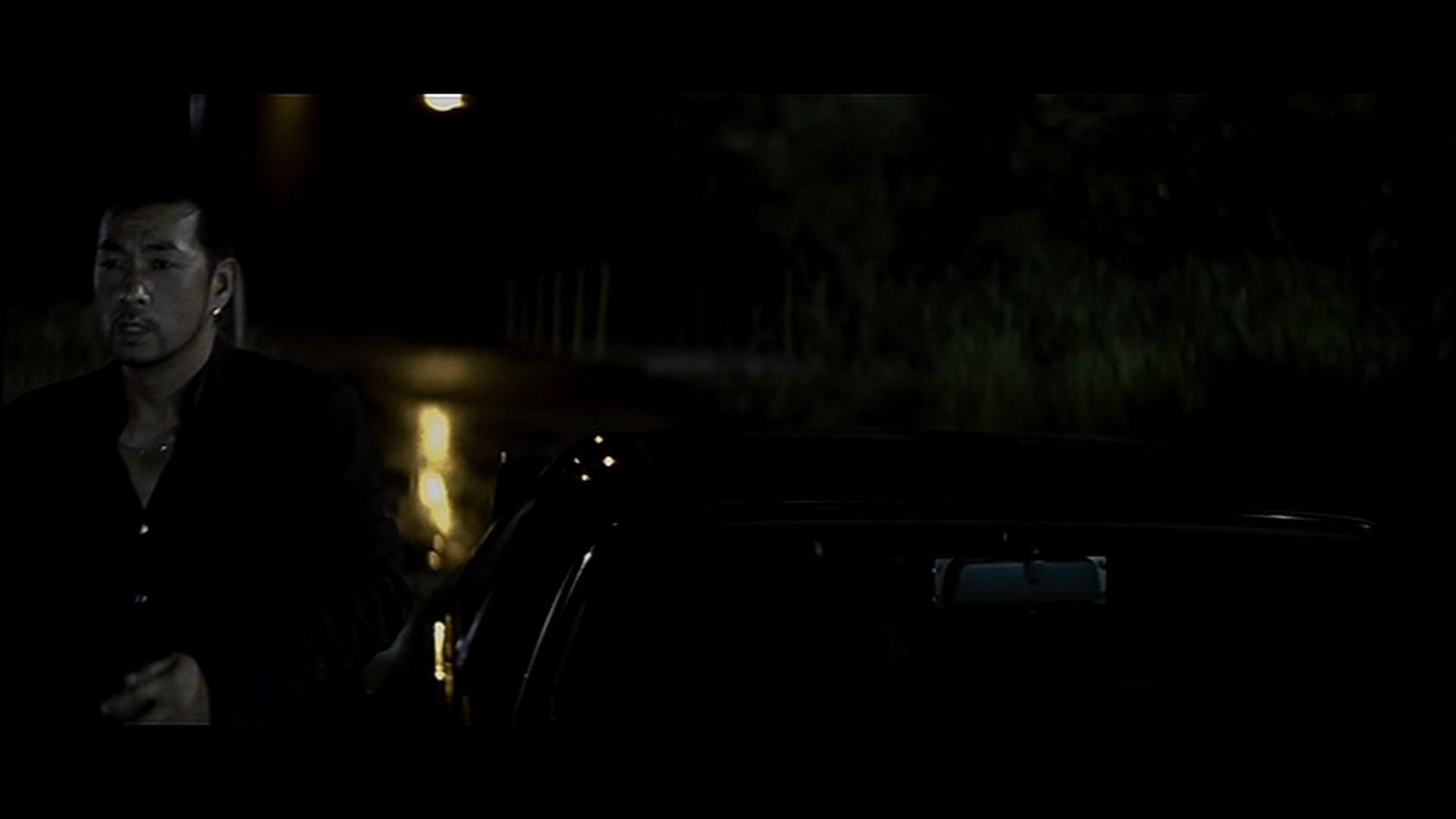
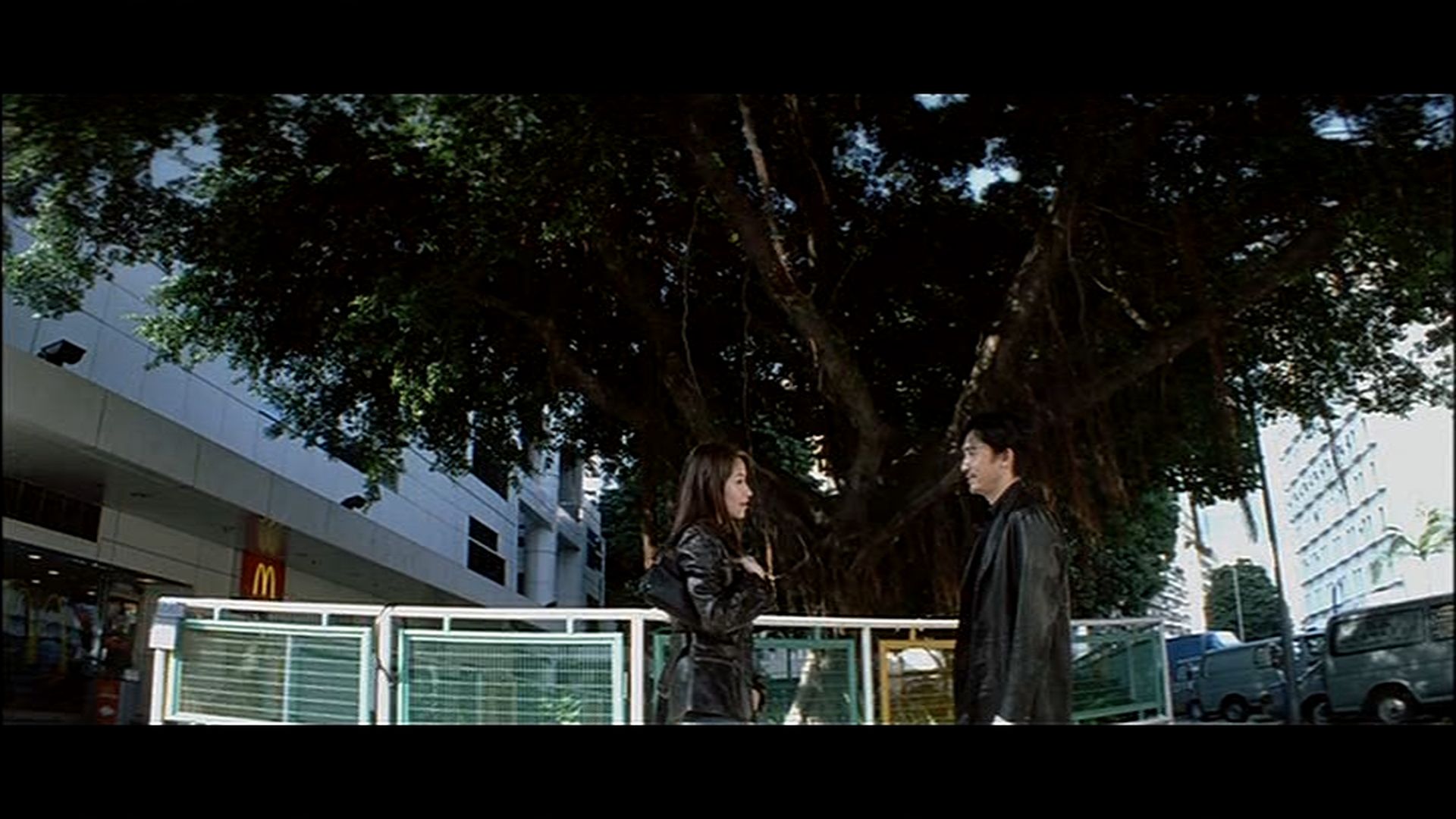
Tartan DVD bottom.
https://www.bulletsnbabesdvd.com/forums/ ... EGABD1.jpg
https://www.bulletsnbabesdvd.com/forums/ ... ARTAN1.jpg
https://www.bulletsnbabesdvd.com/forums/ ... EGABD2.jpg
https://www.bulletsnbabesdvd.com/forums/ ... ARTAN2.jpg
https://www.bulletsnbabesdvd.com/forums/ ... EGABD3.jpg
https://www.bulletsnbabesdvd.com/forums/ ... ARTAN3.jpg
https://www.bulletsnbabesdvd.com/forums/ ... EGABD4.jpg
https://www.bulletsnbabesdvd.com/forums/ ... ARTAN4.jpg
https://www.bulletsnbabesdvd.com/forums/ ... EGABD5.jpg
https://www.bulletsnbabesdvd.com/forums/ ... ARTAN5.jpg
- The BD transfer is a bit soft, yes, but that's exactly what IA looked like when I saw it in the theater 4 years ago.
I suspect it has more to do with how the film was shot than how the print was scanned.
- The BD transfer looks brighter than its UK counterpart, and it's not setup-related. It really is brighter.
If all you've got is the Tartan disc, buy the BD. It's a real eye-opener.
Note2: The Blu-Ray has a slight audio sync issue (at least mine does). The sound is late by about 0.05 seconds.
If you're not sensitive to this type of issue, you won't even notice it.
But if you are, it will drive you nuts (unless you have a way to fix it).
Blu-Ray top.
Tartan DVD bottom.
https://www.bulletsnbabesdvd.com/forums/ ... EGABD1.jpg
https://www.bulletsnbabesdvd.com/forums/ ... ARTAN1.jpg
https://www.bulletsnbabesdvd.com/forums/ ... EGABD2.jpg
https://www.bulletsnbabesdvd.com/forums/ ... ARTAN2.jpg
https://www.bulletsnbabesdvd.com/forums/ ... EGABD3.jpg
https://www.bulletsnbabesdvd.com/forums/ ... ARTAN3.jpg
https://www.bulletsnbabesdvd.com/forums/ ... EGABD4.jpg
https://www.bulletsnbabesdvd.com/forums/ ... ARTAN4.jpg
https://www.bulletsnbabesdvd.com/forums/ ... EGABD5.jpg
https://www.bulletsnbabesdvd.com/forums/ ... ARTAN5.jpg
- The BD transfer is a bit soft, yes, but that's exactly what IA looked like when I saw it in the theater 4 years ago.
I suspect it has more to do with how the film was shot than how the print was scanned.
- The BD transfer looks brighter than its UK counterpart, and it's not setup-related. It really is brighter.
If all you've got is the Tartan disc, buy the BD. It's a real eye-opener.