Page 1 of 4
Full Contact: HKL vs. Mei Ah vs. Mei Ah (Rem) + R2DE vs. HKL
Posted: 27 May 2006, 03:41
by Markgway
HKL (0.01.08 )

MEI AH (original)
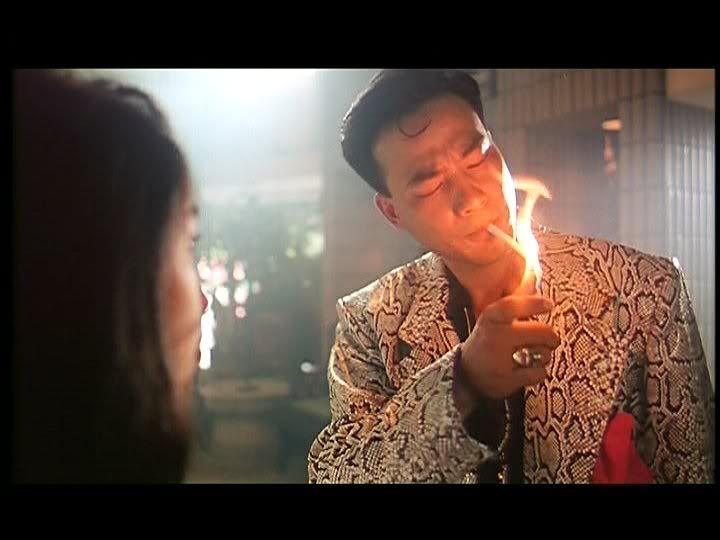
MEI AH (remastered)

HKL (0.04.06)

MEI AH (original)
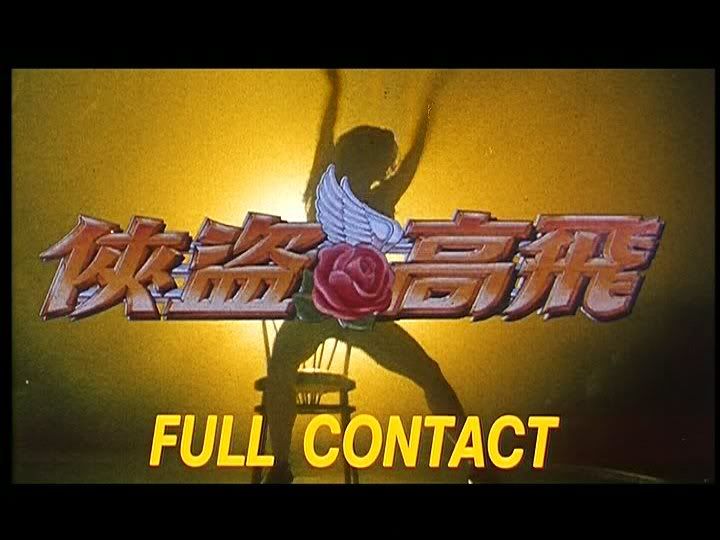
MEI AH (remastered)

HKL (0.06.40)

MEI AH (original)
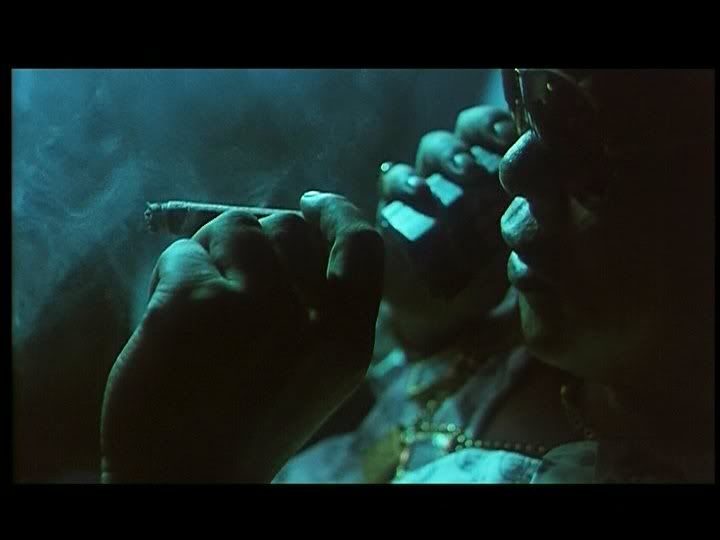
MEI AH (remastered)

HKL (0.09.07)

MEI AH (original)
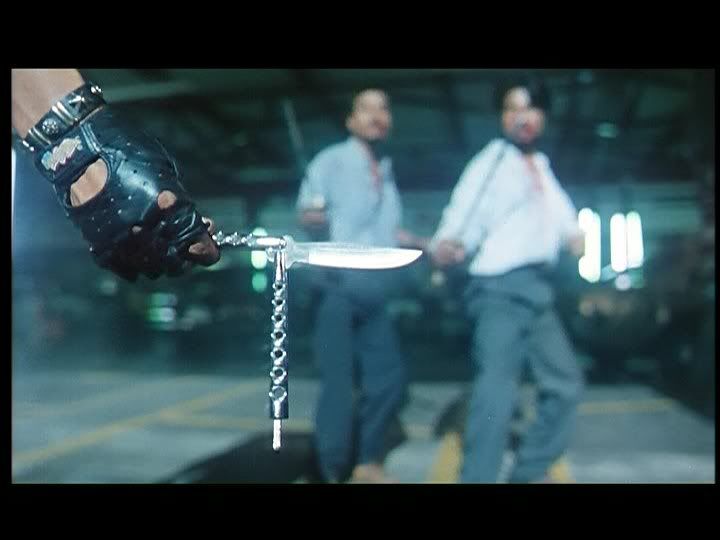
MEI AH (remastered)

HKL (1.28.56)

MEI AH (original)
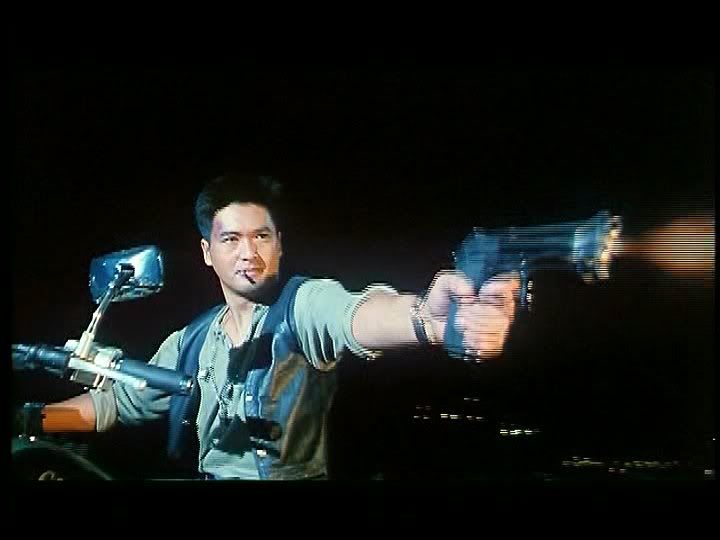
MEI AH (remastered)

Posted: 27 May 2006, 10:50
by HungFist
Posted: 27 May 2006, 11:21
by thelostdragon
Mark, add MeiAh in the thread's title.
HKL is clearly the winner, although it seems to be horizontally squished a bit.
Posted: 27 May 2006, 11:29
by tom2681
Nope, it's the caps that are screwed-up (720x450).
Posted: 27 May 2006, 11:32
by HungFist
Can someone confirm the dutch release has the original soundtrack (unlike HKL, Mei Ah remaster, Columbia...)? Or is the old Mei Ah the only one to include it?
Posted: 27 May 2006, 11:35
by thelostdragon
Why would Mark post messed up caps?
Hung, are you referring to the songs that are in the film or the sound effects?
Posted: 27 May 2006, 11:35
by Markgway
You're right my caps are slightly different in size.
How do you get the correct size, Tom?
Is it the same for all anamorphic films regardless of ratio?
Posted: 27 May 2006, 11:36
by Markgway
thelostdragon wrote:Why would Mark post messed up caps?
Because I'm a tech idiot.
Hung, are you referring to the songs that are in the film or the sound effects?
Songs and score.
Posted: 27 May 2006, 11:36
by tom2681
@LD:
I don't know. All I know is that 720x450 is not 16/9.
16/9 is 720x404 or 720x405.
Maybe he inverted the 5 and the 0.

Posted: 27 May 2006, 11:41
by HungFist
So, are my caps correct? (because I'm a tech idiot, too)
And I was referring to music
Posted: 27 May 2006, 11:46
by thelostdragon
So which songs are not correct in the HKL? The Alan Tam song sure is meant to be there, right? (The World Has Gone Insane).
Posted: 27 May 2006, 11:50
by Markgway
The music was changed for the HK release because of rights issues with Extreme. Originally more of their songs were used (and you can hear them in the HKL instead of Cantopop). Alan Tam's song is in both versions. Teddy Robin Kwan's score is either different or missing - I can't remember which? But the guitar riffs are gone on the HKL (this track was likely assembled before the score's completion).
Posted: 27 May 2006, 11:53
by Markgway
I can't fix the caps for this film to correct size... but I think I figured out the problem and will do better next time. The HKL image isn't squashed or squeezed on disc in any way in case anyone was unsure. Just use my caps to compare quality for now.
Posted: 27 May 2006, 11:54
by thelostdragon
Thanks Mark.
So where do I get the version that has all the correct music in it?
Also, is there a version out there that has the eyeball scene? I don't know where I have seen it, but I remember that it was years ago when I saw a screenshot or maybe even a trailer with Anthony Wong coming out of the house with an eyeball on a spoon.
Posted: 27 May 2006, 12:29
by HungFist
The original Mei Ah (which is out of print, I think) has the "original" soundtrack. I remember someone saying the Dutch release has it too, but I can't get a confirmation. The PQ is about the same as HKL (there's a comparison at dvdheaven).
Posted: 27 May 2006, 13:29
by Markgway
thelostdragon wrote:Also, is there a version out there that has the eyeball scene? I don't know where I have seen it, but I remember that it was years ago when I saw a screenshot or maybe even a trailer with Anthony Wong coming out of the house with an eyeball on a spoon.
No, Golden Princess made Ringo Lam cut the scene out before the film's HK release as they felt it was too extreme and would certainly have given them a Cat-III. As it stood cuts still had to be made to gain a theatrical II rating. The Mei Ah DVD is actually the Cat-III studio-approved edit, not director's cut, despite the inaccurate lower rating on the cover. The HKL DVD is the same as this, only the music is different.
Posted: 27 May 2006, 13:31
by Markgway
HungFist wrote:So, are my caps correct? (because I'm a tech idiot, too)
No. Yours are 720x540.
This means mine are too tall and yours too fat.
Split the difference...
Posted: 27 May 2006, 13:56
by Markgway
One thing I forgot to mention.
The English dub on the HKL has the theatrical music score/songs.
Posted: 27 May 2006, 13:57
by EvaUnit02
No contest, HKL wins.
Posted: 27 May 2006, 14:04
by bradavon
We need to see the Remaster for it to be a fair comparison. Why are there black bars on the HKL captures?
Mark for christs sake use the fucking EDIT button. Everyone else manages to.
Markgway wrote:How do you get the correct size, Tom?
Open them in a photo program, resize them and reupload them. Most software will complain you're distorting the aspect ratio just ignore this.
Markgway wrote:I can't fix the caps for this film to correct size...
Yes you can. I'll fix them. It will only take 2-3 minutes.
HungFist wrote:So, are my caps correct? (because I'm a tech idiot, too)
Good question. I don't know as the Old DVD isn't anamorphic so should be a 4:3 not 16:9 ratio. Actually yes they look wrong as the ratio of the actual film doesn't look 1.85/1.78:1.
Tom?
Tom2681 wrote:@LD:
I don't know. All I know is that 720x450 is not 16/9.
16/9 is 720x404 or 720x405.
We should stick to 404 as that's what most here seem to be using.
Posted: 27 May 2006, 14:14
by tom2681
@Mark:
HungFist's caps are 720x540, which is the CORRECT size for a 4/3 ratio.

4/3 = 720x540.
16/9 = 720x404.
Posted: 27 May 2006, 16:02
by bradavon
Good, both are correct now. What about the 2.35:1 ratio? That's not 16:9. Speaking of 2.35:1 I've often wondered:
1.78:1 is 16:9 but what is 2.35:1?
Posted: 27 May 2006, 16:03
by grim_tales
21/9 maybe?

Posted: 27 May 2006, 16:19
by tom2681
It's 235:100.
No need to try and simplify it.
21/9 is 2:33:1.
Posted: 27 May 2006, 16:28
by EvaUnit02
720*404 is fine for 2.35:1 (scope) movies, unless you want to crop out the black bars.